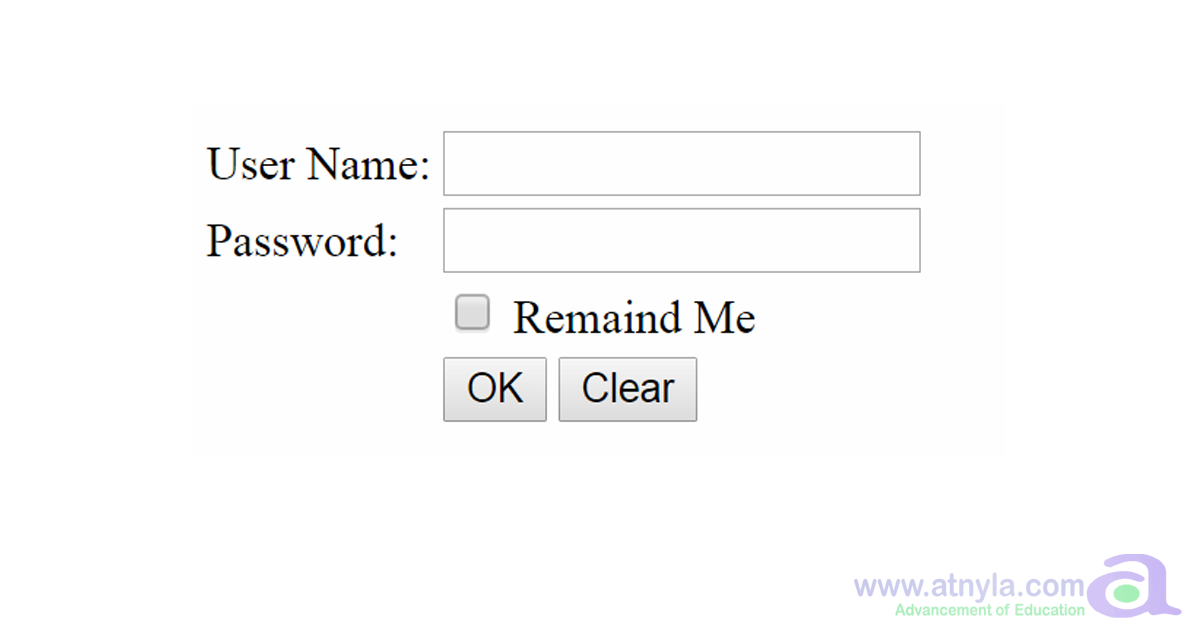
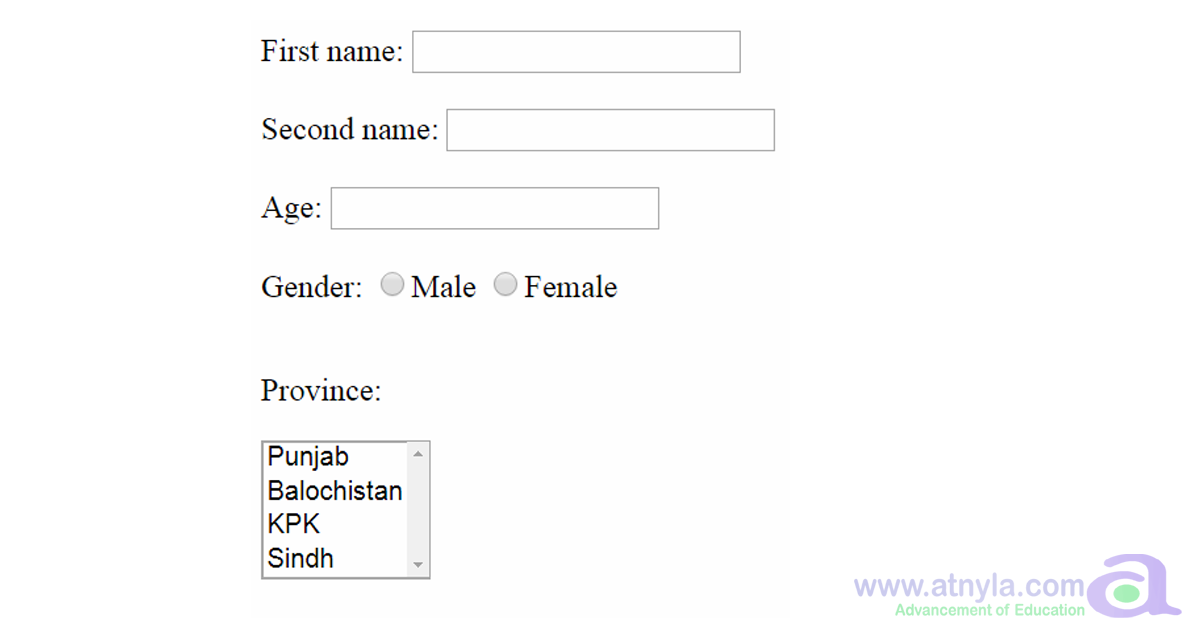
🚀 Programming Example
Write code for this table.
Write code for this table.

<!DOCTYPE html>
<html>

<head>
    <title>Practice</title>
</head>

<body>

    <table border="1" cellpadding="30" cellspacing="0">
        <tr>
            <td colspan="6"></td>
        </tr>
        <tr>
            <td rowspan="4"></td>
            <td></td>
            <td></td>
            <td></td>
            <td></td>
            <td></td>
        </tr>
        <tr>
            <td></td>
            <td colspan="3" rowspan="2"></td>
            <td></td>
        </tr>
        <tr>
            <td></td>
            <td></td>
        </tr>
        <tr>
            <td></td>
            <td></td>
            <td></td>
            <td></td>
            <td></td>
        </tr>
        <tr>
            <td colspan="6"></td>
        </tr>
    </table>
</body>

</html>
none
First understand the algorithm carefully. Then study the program line-by-line and compare it with the output. Finally, review the explanation section to strengthen your logic and programming understanding.
Rewrite the program without looking at the code. Modify values, conditions or logic and run it again. This helps improve confidence and strengthens coding skills much faster.