🚀 Programming Example
Print Current User and Language
Learn this program step-by-step with algorithm, source code, output and detailed explanation.
/// <summary>
/// Print Current User and Language.
/// </summary>
internal final class Ansari005_PrintUserLanguage
{
    public static void main(Args _args)
    {
        info(strFmt("User ID  : %1", curUserId()));
        info(strFmt("Language : %1", currentUserLanguage()));
        info(strFmt("Company  : %1", curExt()));
    }

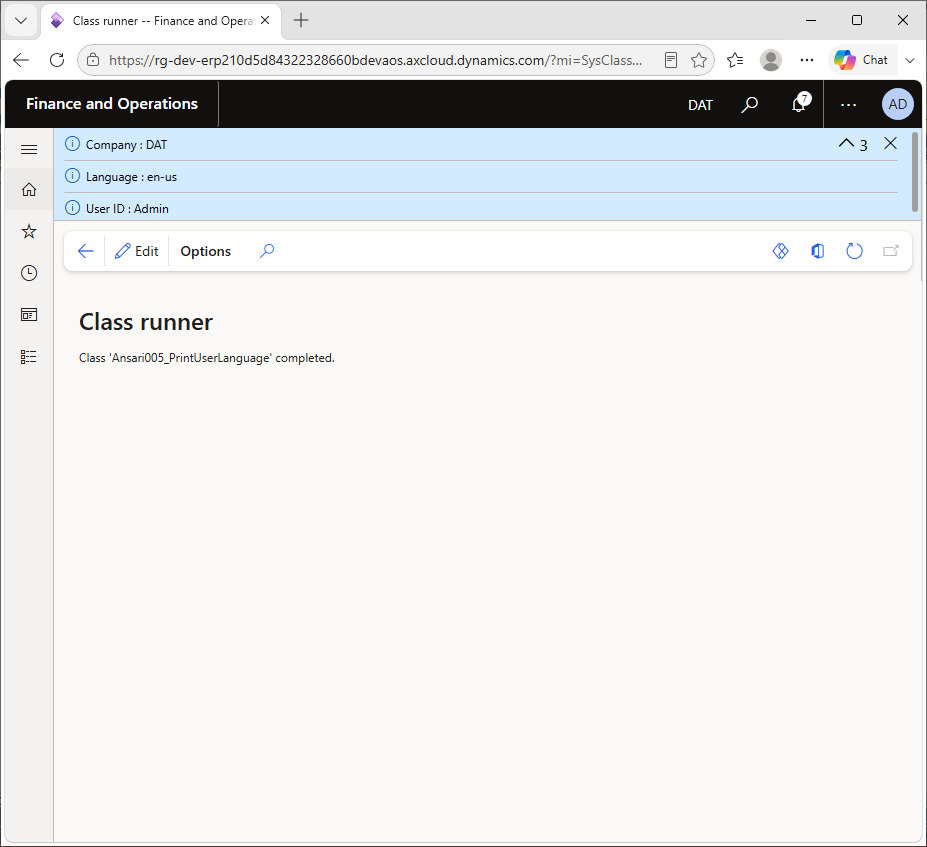
}
Every D365 F&O session belongs to a user, runs in a company and displays text in a language. Code often needs to know these three facts: to stamp records with who did something, to choose a language for an e-mail or report, or to log context in a batch job. This program prints all three using global functions.
These functions are cheap to call and are available everywhere in X++, which makes them ideal for diagnostic messages while you learn and debug.
1. Printing the user ID
info(strFmt("User ID : %1", curUserId()));curUserId() returns the ID of the logged-in user (for example Admin). The ID is the key of the UserInfo table, so you can look up more details such as the name and e-mail with select UserInfo where UserInfo.id == curUserId(). In batch jobs it returns the user who scheduled the job.
2. Printing the user's language
info(strFmt("Language : %1", currentUserLanguage()));currentUserLanguage() returns the language code from the user options, such as en-US or de. D365 F&O uses this code to choose which translation of a label (@SYS12345) to display.
3. Printing the company
info(strFmt("Company : %1", curExt()));curExt() returns the current legal entity (DataAreaId), for example USMF. The extra spaces inside the text strings ("User ID :") line up the colons so the three lines read like a small table.
curUserId(), curExt(), currentUserLanguage(), plus sessionId() and getCurrentPartition().networkAlias) and enabled status.SysLabel::labelId2String("@SYS1", "de") returns a label in a specific language.curUserId(), so you rarely need to set them in code.User ID : Admin
Language : en-US
Company : USMFThe values depend on who runs the code, the language in their user options and the company selected in the top-right corner.
curUserId() instead of storing the user ID in your own variable or parameter.curUserId() with a hard-coded user like "Admin". Use security roles and privileges instead.setPrefix() header for clearer batch logs.UserInfo. Its key field is id, which matches curUserId().currentUserLanguage(), or by reading UserInfo.language.SysLabel::labelId2String(labelId, languageId).First understand the algorithm carefully. Then study the program line-by-line and compare it with the output. Finally, review the explanation section to strengthen your logic and programming understanding.
Rewrite the program without looking at the code. Modify values, conditions or logic and run it again. This helps improve confidence and strengthens coding skills much faster.
Sign in to save your progress and continue exactly where you left off.